 Insightube
How to get the transcript of a YouTube video
A transcript lets you skim a video, search for a word, quote someone exactly or study a language. Here are three ways to get one, from the built-in option to the fastest.
Before you start: does the video have captions?
Every method below reads the video’s captions. Most YouTube videos have them, either written by the creator or generated automatically by YouTube. Some don’t: many music videos, live streams that are still running, and private or age-restricted videos. If the CC button under the player is greyed out, there is no transcript to get.
Way 1: YouTube’s built-in “Show transcript”
This works in any browser on a computer, with nothing to install.
- Open the video on youtube.com.
- Below the video, click the description to expand it (the …more link).
- Scroll to the end of the description and click Show transcript. The transcript opens beside the video.
- To hide the times, click the ⋮ menu at the top of the transcript and choose Toggle timestamps.
- To copy it, select the text with your mouse and press Ctrl+C (⌘+C on a Mac).
Good for: a quick look or copying a short part. Limits: it’s one line every few seconds, so long videos turn into hundreds of tiny fragments; there is no search box, and selecting a whole hour of text by dragging is slow.
Way 2: a transcript panel that’s easier to read
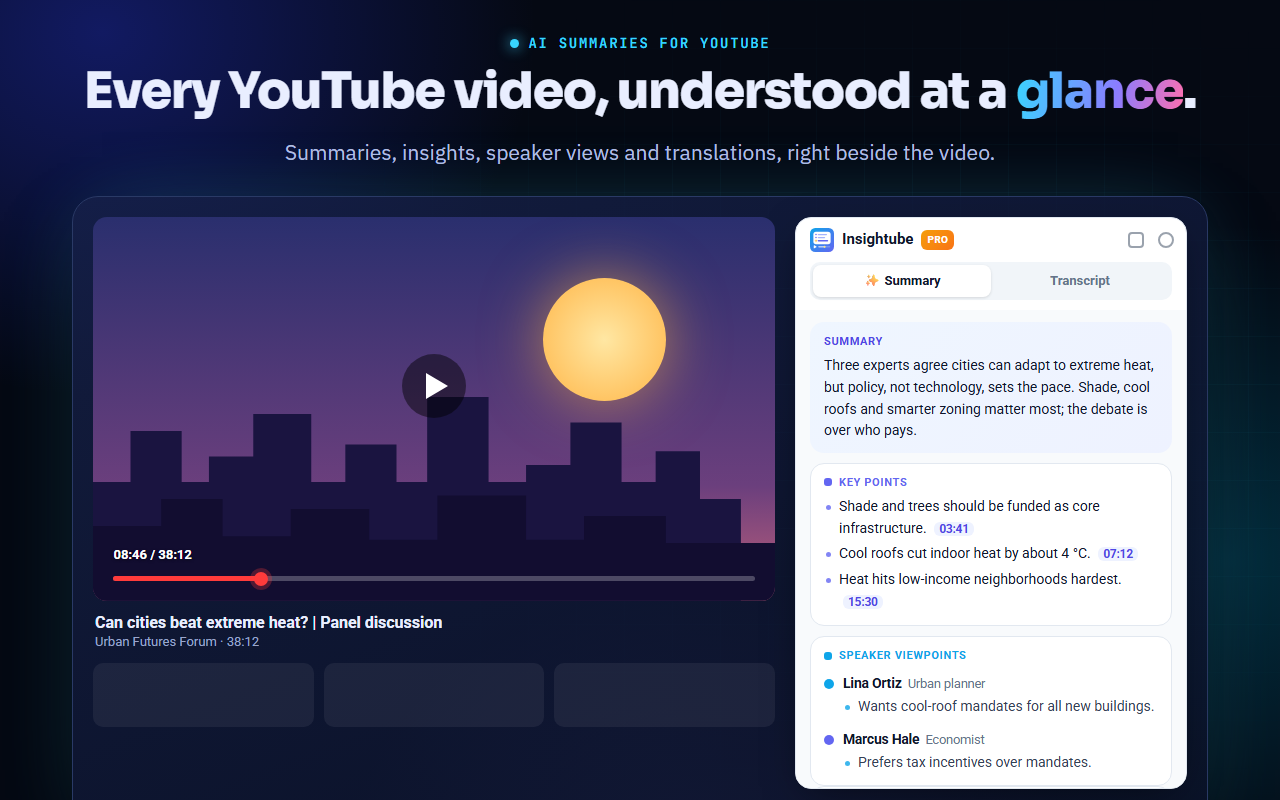
A Chrome extension such as Insightube shows the transcript beside the video automatically, as soon as you open it.
- Install Insightube from the Chrome Web Store (free).
- Open any YouTube video. The panel appears beside the video; click the Transcript tab.
- Use the switches at the top: Paragraphs joins the fragments into readable paragraphs, Speaker change starts a new paragraph when someone else speaks, and Timestamps shows or hides the times.
- Type in Search transcript… to find every line that mentions a word. Click any line to jump the video to that moment.
- Turn on Auto-scroll to follow along as the video plays.
Reading the transcript is free, in the video’s own language, with no sign-in.
Way 3: copy or download the whole transcript
When you need the text somewhere else (notes, a document, subtitles for editing), copying it in one go saves a lot of time.
- Copy puts the whole transcript on your clipboard, with or without timestamps.
- Download → TXT saves it as a plain text file.
- Download → SRT saves a subtitle file with timings, which video editors and players understand.
In Insightube, Copy and Download are part of Pro. On the free plan you can still select text in the panel by hand.
Which way should you use?
- Just need one quote? YouTube’s “Show transcript” is enough.
- Reading or searching a long video? A panel with paragraphs and search is much easier.
- Need the text in another app? Copy or download it as TXT or SRT.
Common questions
Can I get a transcript on my phone?
In the YouTube app, open the description and tap Show transcript. Chrome extensions don’t run in the mobile app, so the other methods need a computer.
Why are there mistakes in the transcript?
Automatic captions are made by speech recognition, so names, technical terms and accents are sometimes wrong. Captions written by the creator are usually accurate.
Can I get the transcript in another language?
Yes. See how to translate YouTube subtitles.