 Insightube
Learn a language with bilingual YouTube subtitles
YouTube has endless real conversation in every language. The hard part is understanding enough of it to learn. Bilingual subtitles bridge that gap. Here’s a routine that works.
Why bilingual subtitles help
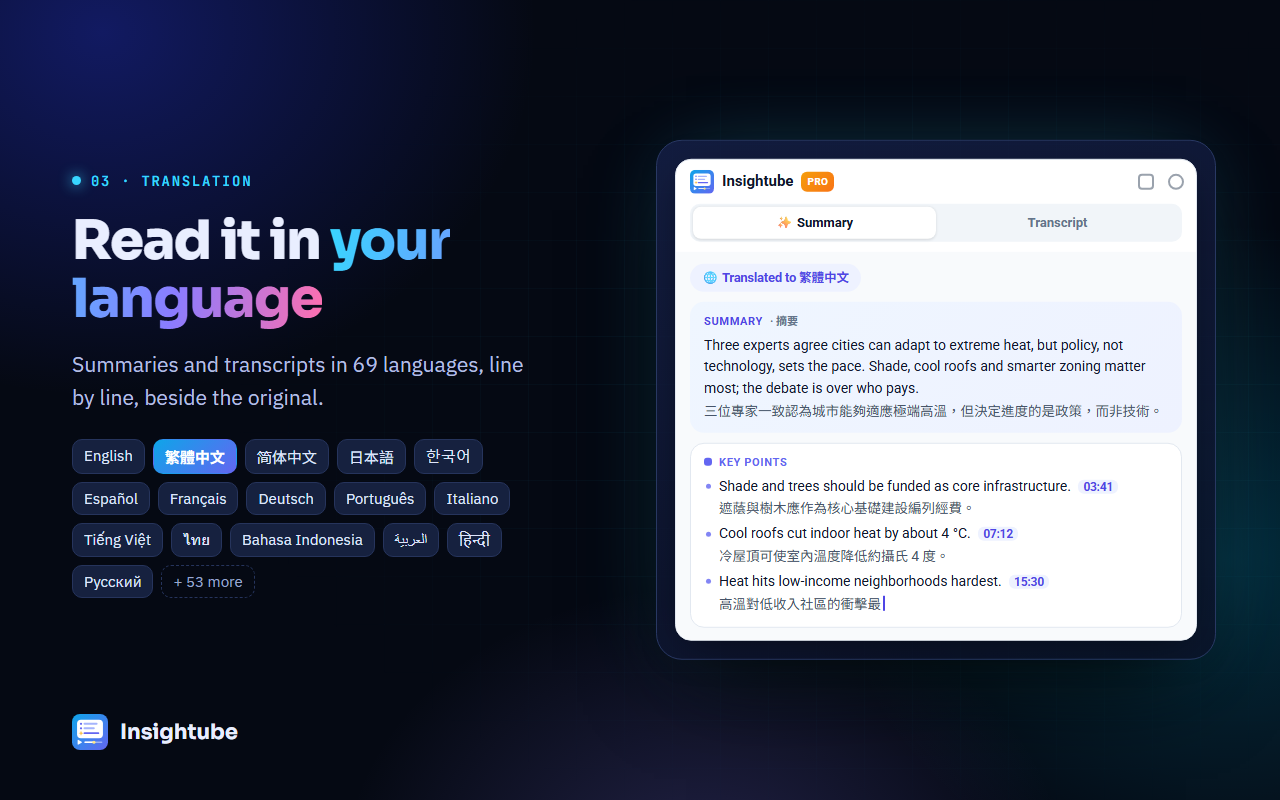
Subtitles only in your own language let you understand but not learn: you read your language and stop listening. Subtitles only in the new language are often too hard. Seeing both, line by line, lets you hear the original, see how it’s said, and check the meaning at a glance.
Set it up
- Install Insightube for Chrome.
- In Settings, set Default translation to your native language.
- Open a video in the language you’re learning, click the Transcript tab and turn on Bilingual and Auto-scroll.
Each line of the original now has its translation underneath, and the transcript follows the video as it plays. (Transcript translation is part of Insightube Pro.)
A 20-minute routine
- Get the gist first (2 min). Make a summary in your own language so you know what the video is about. Understanding the context makes everything else easier to follow.
- Watch with bilingual lines (10 min). Read the original first and glance at the translation only when you’re stuck.
- Shadow the hard lines (5 min). Click a line to replay it, pause, and say it aloud the same way. Repeat until it feels natural.
- Collect phrases (3 min). Write down 3–5 useful expressions. Use the transcript search to find other places they appear.
Choosing videos that work
- Pick topics you already care about. You’ll keep going, and you’ll already know some vocabulary.
- Prefer creator-written captions. They’re more accurate than automatic ones; you can spot them as captions that don’t say “auto-generated”.
- Interviews and vlogs teach everyday speech; lectures and documentaries teach clearer, more formal language.
- Start with shorter videos (5–15 minutes) and work up.
Common questions
Which languages are supported?
Any video with captions can be shown with a translation into 69 languages, including English, Chinese, Japanese, Korean, Spanish and French.
Can I save the transcript to study later?
With Pro you can copy it or download it as TXT or SRT. Summaries are saved in History automatically.
Is there a free option?
Reading the original transcript and YouTube’s own auto-translate captions are free. Summaries in your language are free 3 times a week.