 Insightube
Choosing a YouTube summary extension
There are many AI tools that summarize YouTube videos, including Eightify, NoteGPT, Glasp and Insightube. They look similar at first. These are the differences that matter once you use one every day.
1. How deep the summary goes
Try each tool on the same long video. Does the summary only list topics (“the speaker talks about money”), or does it explain the claims, the reasons behind them and the examples used? Can you click a point to jump to that moment?
2. Whether it separates speakers
For interviews, podcasts and panels, a summary that blends everyone together hides the disagreements. Look for a tool that summarizes each speaker’s view and shows where they agree and differ. This is one of the things Insightube was built around.
3. Languages
Can it write the summary directly in your language, whatever the video’s language? Can it translate the transcript, and show it bilingually for learning? Insightube supports 69 languages for summaries and translation.
4. The transcript
A good tool lets you read, search and follow the transcript beside the video, not just the summary. Check whether it can join captions into paragraphs and export to TXT or SRT.
5. What the free plan really includes
Compare how many summaries you get, how often they reset, and the maximum video length. Insightube’s free plan: 3 AI summaries a week for videos up to 30 minutes, and transcripts always free, with no card required.
6. Privacy
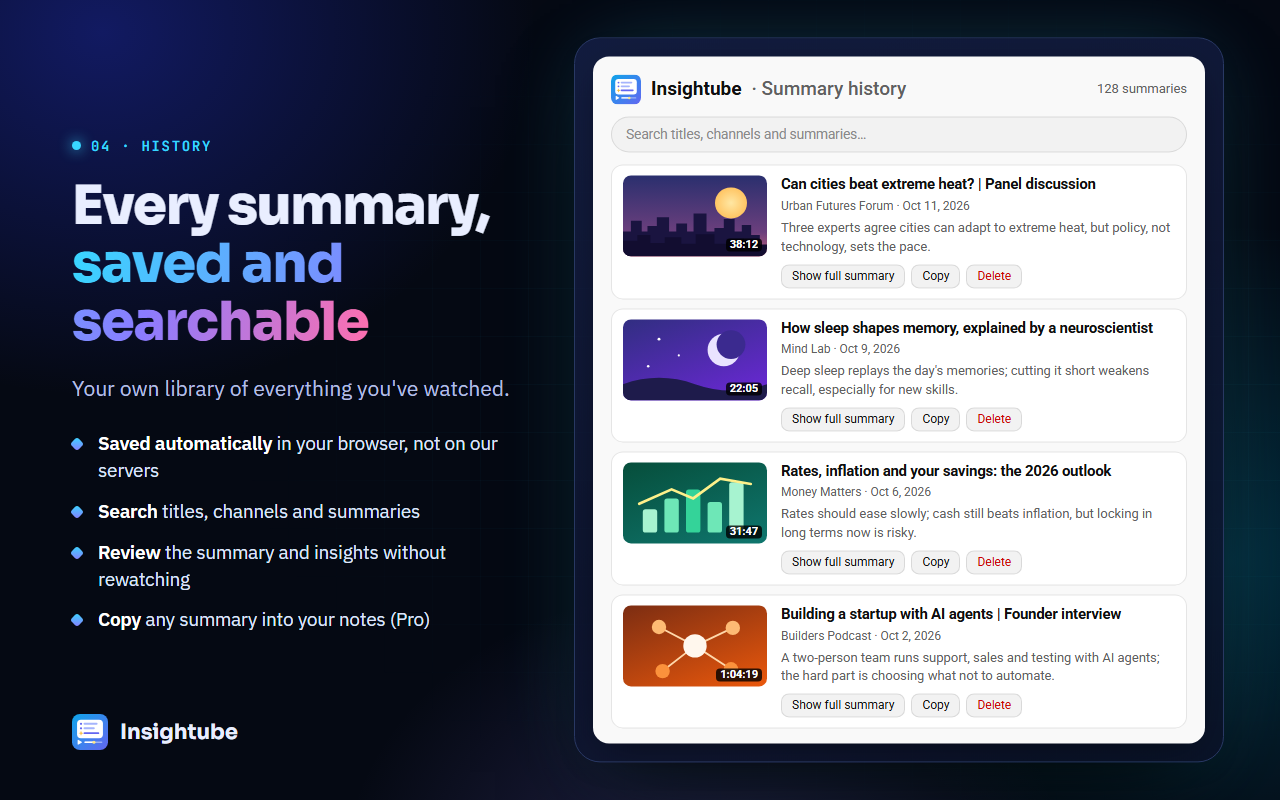
Read what each tool sends and stores. Some extensions read every page you visit. Insightube only sends the video title and transcript when you click Summarize, doesn’t store them afterwards, and keeps your summary history in your own browser. See our privacy policy.
7. Price, and how easy it is to cancel
Paid plans for these tools change often, so check each one’s current pricing page. Also check whether you can cancel yourself in a couple of clicks and whether there’s a refund policy. Insightube Pro is US$4.99 a month or less on the yearly plan, cancellable any time from Settings, with a full refund within 14 days of the first payment.
A quick way to decide
- Pick one long video you know well.
- Summarize it with two or three tools on their free plans.
- Keep the one whose summary taught you the most, in the language you read best.